Apps that simplify my shortcuts development process
· Nazar Zhmurko
Working on Shortcuts for Notion can sometimes get tedious. It takes a significant amount of time to identify the root cause of an issue in the shortcut’s flow. To alleviate this, I’ve compiled a list of daily-used apps that help me surface problems and reduce frustration during the process.
Logger
Logger for shortcuts - this app can boost your confidence in figuring out the root cause of issues as your shortcuts get more complex. It allows you to put message-logging actions and track the output of any other action.
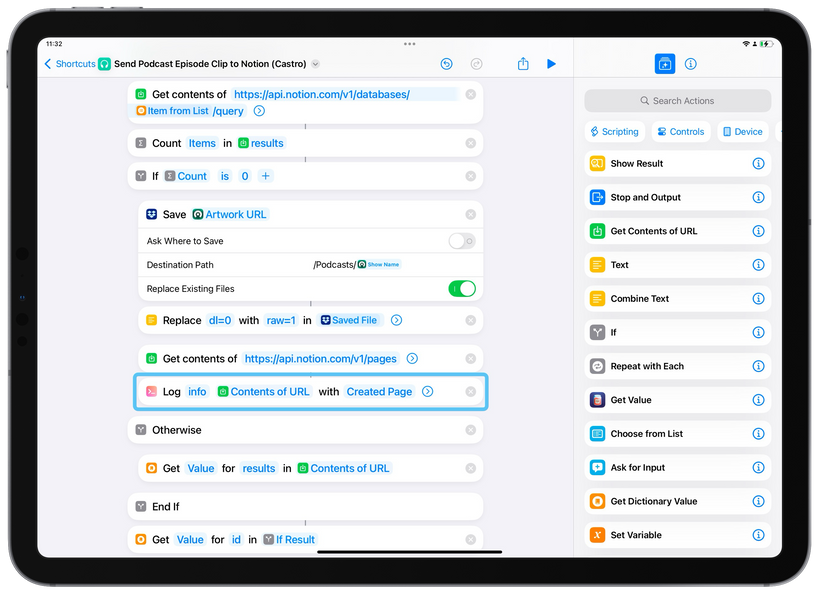 This is the demo of me using the Contextual Shortcut that based on the currently opened app(Shortcuts) runs Logger. In the shortcuts There is Log Message action in the shortcut I'm currently working on. Let's assume I'm interested in the output of this specific Get Contents of URL action as it's a crucial part of the shortcut's flow.
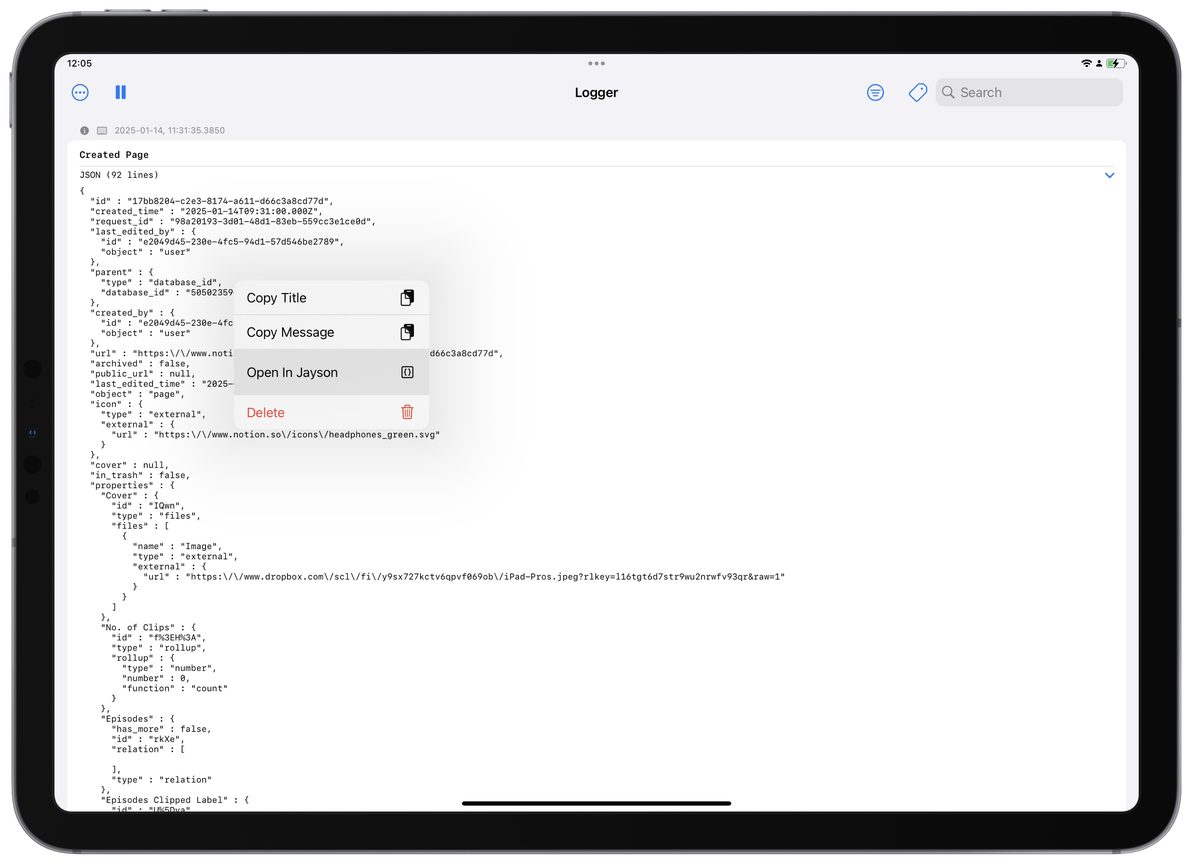
Jayson
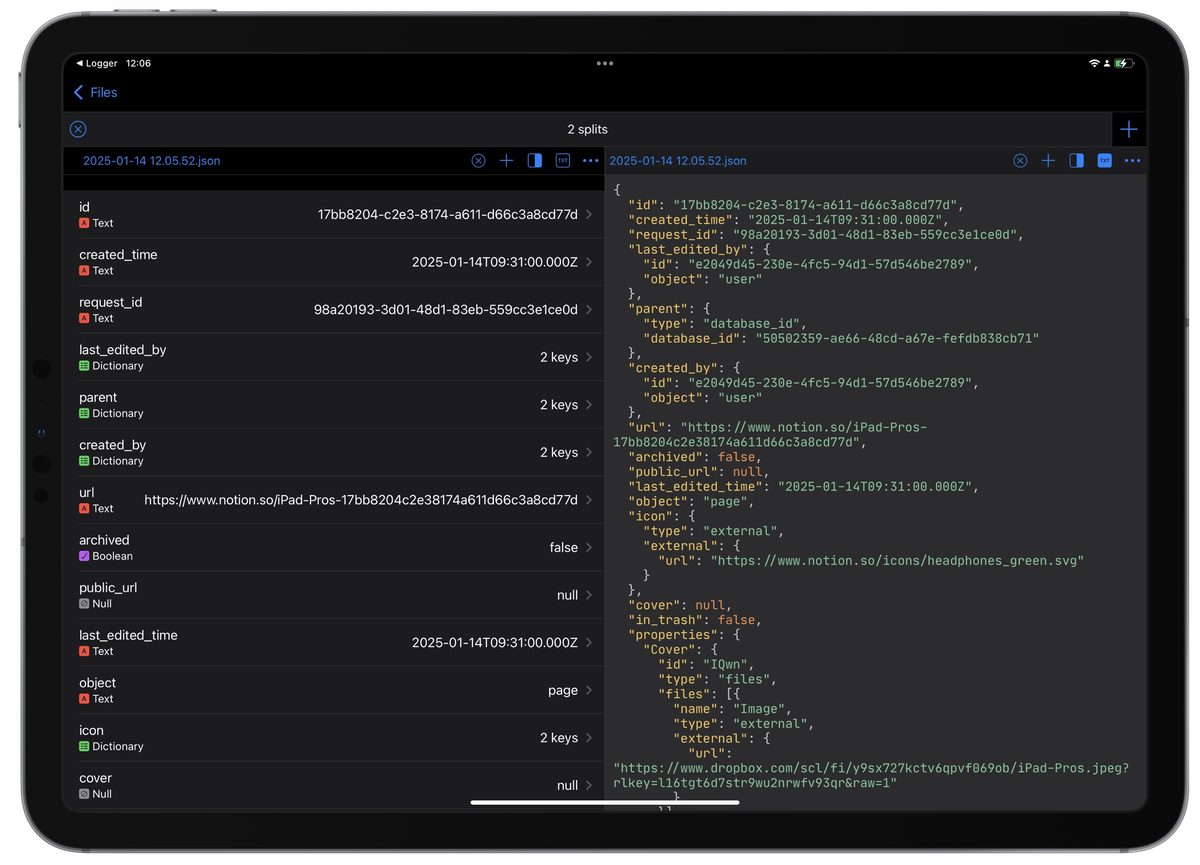
Jayson, this app simplifies working with .json files. What I particularly like about it is the visual exploration of the .json response generated by each Get Contents of URL action. Additionally, Jayson integrates with Logger, allowing you to export the .json files stored in Logger to Jayson instantly, which is incredibly convenient!
Data Jar
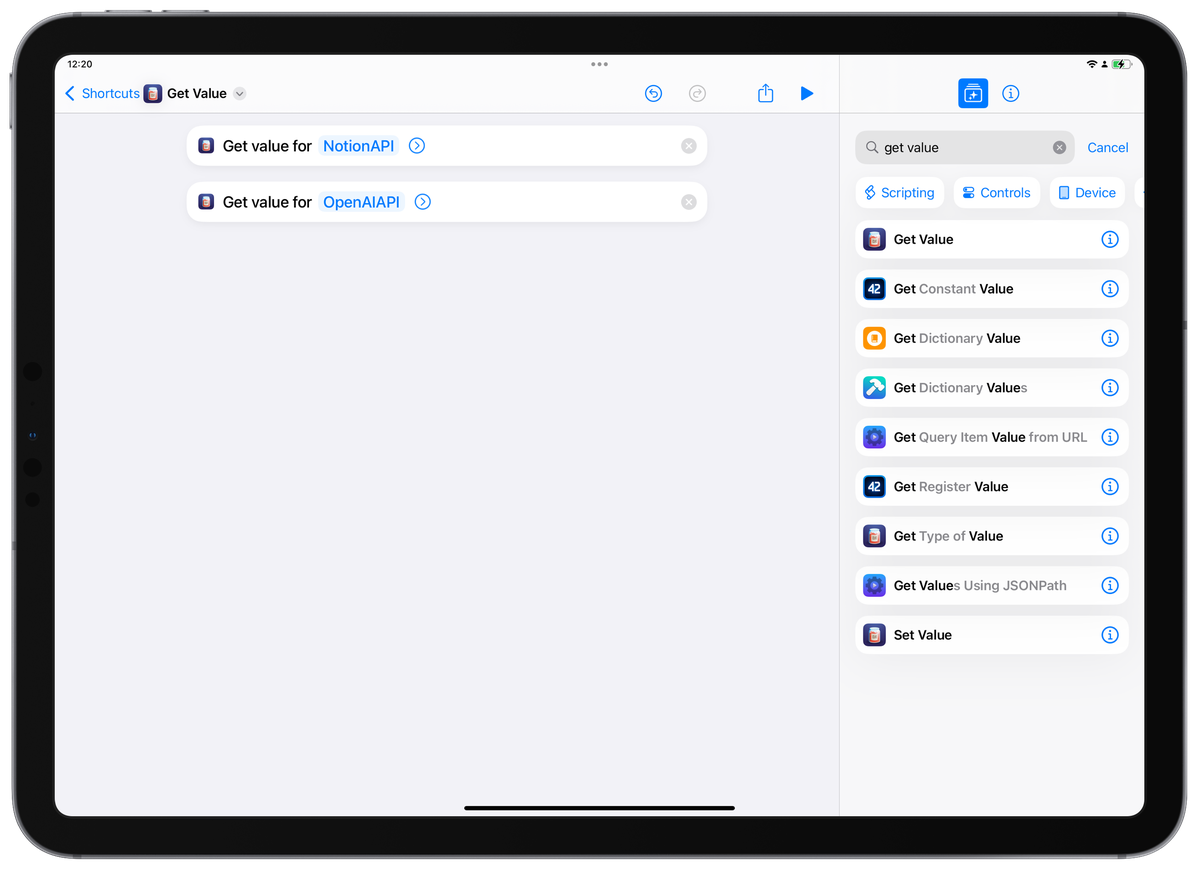
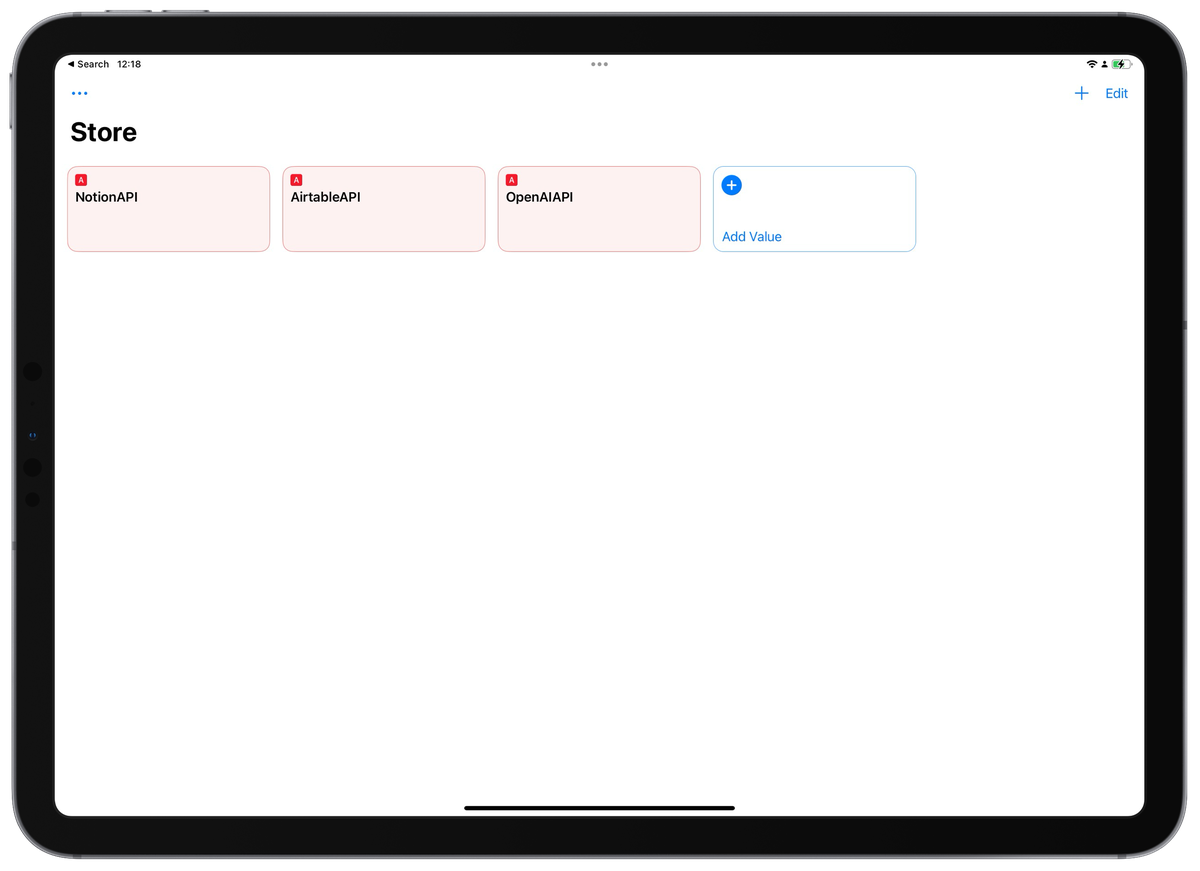 The title of this app metaphorically explains its philosophy. It stores data accessible in any shortcut by calling out the assigned title. Using it, I can quickly get the API key for Notion or ChatGPT and not expose it in demonstrations at the same time.
Tried these out? Let me know how it fits into your workflow—or how you bent it to your will.
Keep automating! Nazar